
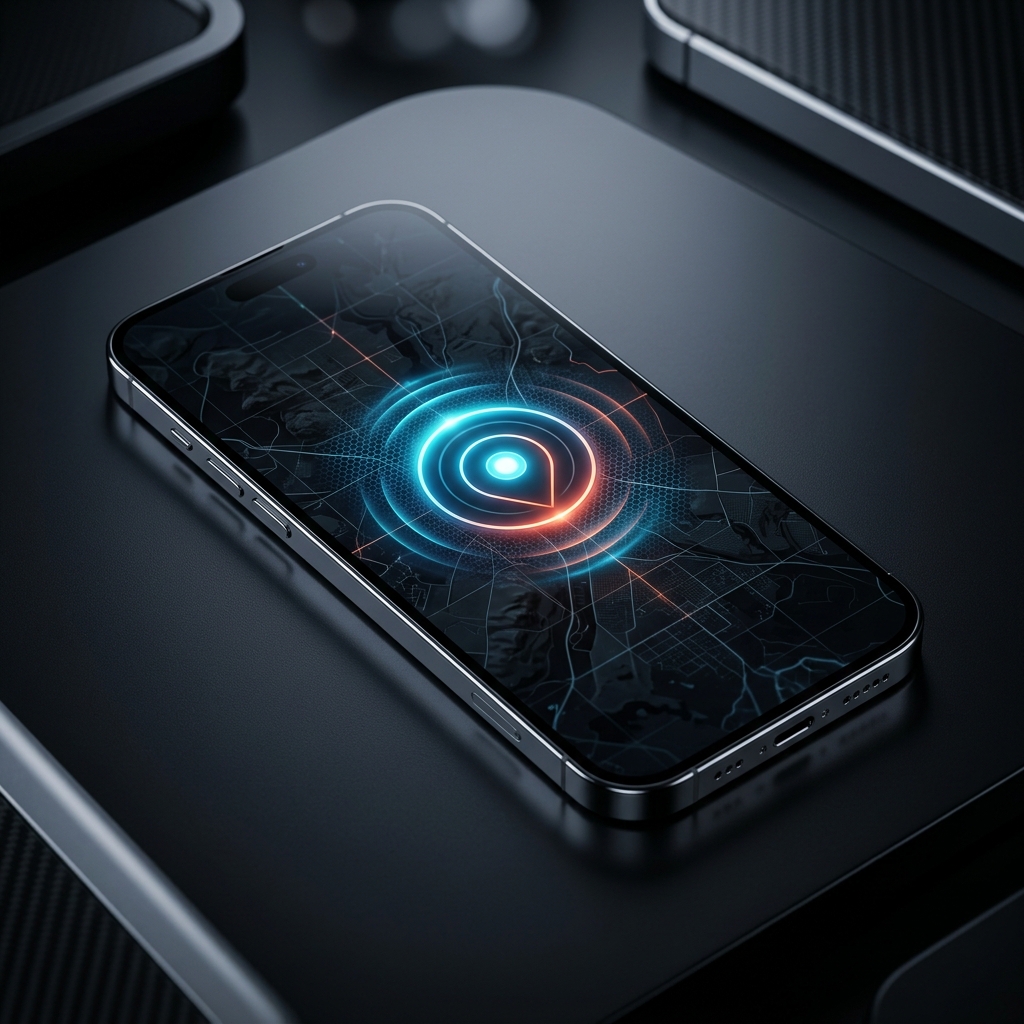
Have you ever walked past a coffee shop and suddenly received a push notification on your phone offering a 10% discount inside? Or perhaps your smart thermostat automatically turns down the heat when you drive away from your house. These "magical" moments are powered by a technology called Geofencing.
What is a Geofence?
A geofence is a virtual perimeter for a real-world geographic area. Think of it as an invisible digital fence drawn on a map around a specific location, like a retail store, a school, or a neighborhood. When a mobile device carrying a specific app enters or exits this boundary, it triggers an action.
How Does the Technology Work?
Geofencing relies heavily on Location Services to determine where the device is relative to the virtual fence. It uses three main technologies:
- GPS: The most accurate, but drains battery quickly if left on continuously. It's often used for large geofences (like entering a city).
- Wi-Fi and Cellular Triangulation: Less accurate than GPS but much more battery-efficient. The phone pings nearby cell towers to get a rough estimate of location to see if it's near the fence.
- Bluetooth Beacons: For micro-geofencing (like knowing which specific aisle you are in at a grocery store), stores place small Bluetooth transmitters on shelves. If your phone has Bluetooth on and the store's app installed, the app detects the beacon when you walk close to it.
Use Cases for Geofencing
Geofencing is everywhere today. Delivery apps use it to notify restaurants when a driver is a mile away so the food is hot when they arrive. Parents use it on family tracking apps to get an alert when their child arrives at school. Rental scooter companies use it to slowly disable the scooter's motor if a user rides into a "no-ride zone."
Privacy Concerns
For geofencing to work, an app usually needs permission to access your location "Always" (in the background). If you grant this permission to a retail app just to get coupons, that app is constantly logging your movements throughout the day, which they may sell to data brokers. To protect your privacy, only grant "Always" location access to apps where the core functionality absolutely requires it (like navigation or smart home automation).